
How to check code coverage#
Code coverage is reported to the command line and to a cov.xml file by the command tox -e tests. The file is uploaded to the Codecov service in CI.
Installing Codecov GitHub app#
If your repo is hosted in the DiamondLightSource org, then the codecov GitHub app is already installed so you don’t need to do anything.
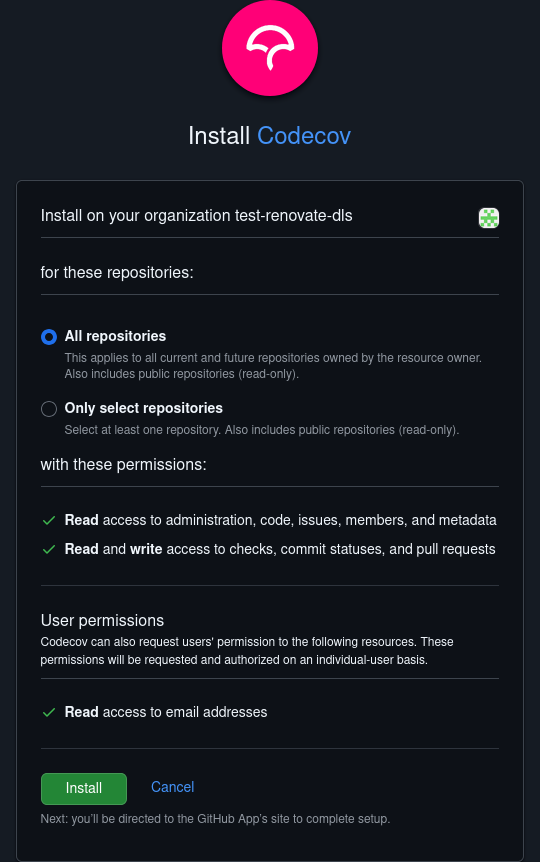
If your repo is in an org where the codecov GitHub app is not installed, then follow these steps to install it on the org:
Visit https://github.com/apps/codecov
Click
ConfigureSelect the org your repo is hosted in
Select
All repositoriesand clickInstall
Next time you create a pull request or merge to main, the code coverage will be uploaded to https://app.codecov.io/github/<org_name>/<repo_name>, and the badge on the repository updated.