Some tips on using jupyter notebooks:
shift+enter to run a cell
ESC while jump out of the activate cell allowing the following commands:
shift+a - gives a new cell above
m - changes from code to markdown
y changes from markdown to code
some useful tips when viewing interactive plots
hovering the mouse over the current plot area shows a readout of the x,y,intensity values below the plot
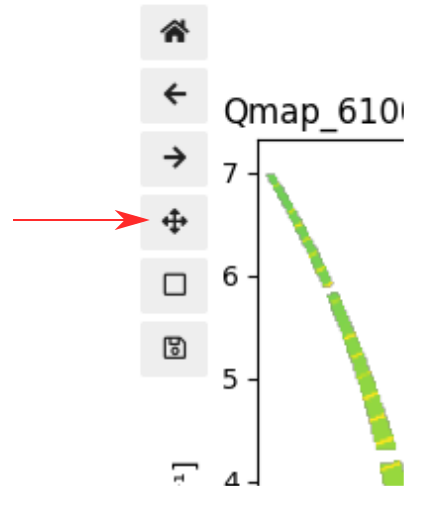
for 2d images the contrast can be adjusted by selecting the crossed arrows from the toolbar on the left, and then clicking and dragging on the colour bar
right-click and drag : increases or decreases the overall range of the colourmap
left-click and drag : moves the upper and lower limits together