Accessing giwaxs_toolbox on Diamond NoMachine
The giwaxs_toolbox can be accessed from the diamond module system using the command:
module load giwaxs_toolbox
If this is your first time running the toolbox you can make a copy of the guide notebook using the command:
copy-notebook
This will have made a copy of the guide notebook into you Documents folder. Navigate to that folder with the command:
cd ~/Documents
Then you can launch the jupyter lab viewer using the command:
jupyter-lab
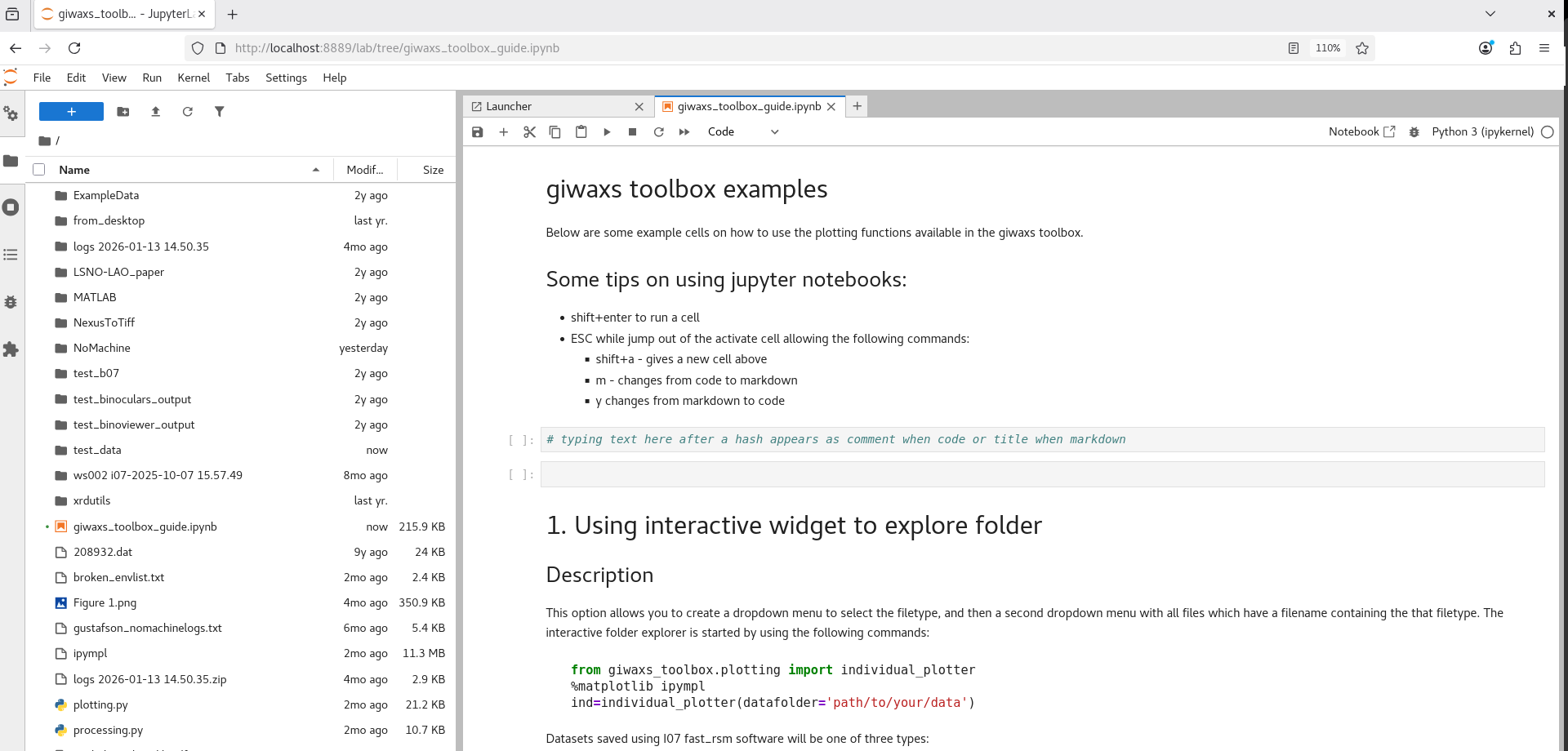
This will open up a new jupyter lab window in firefox, and the file ‘giwaxs_toolbox_guide.ipynb’ should be visible in the file navigator.